
Aliases in AI Search: How to Track Brand Mentions When Links Disappear
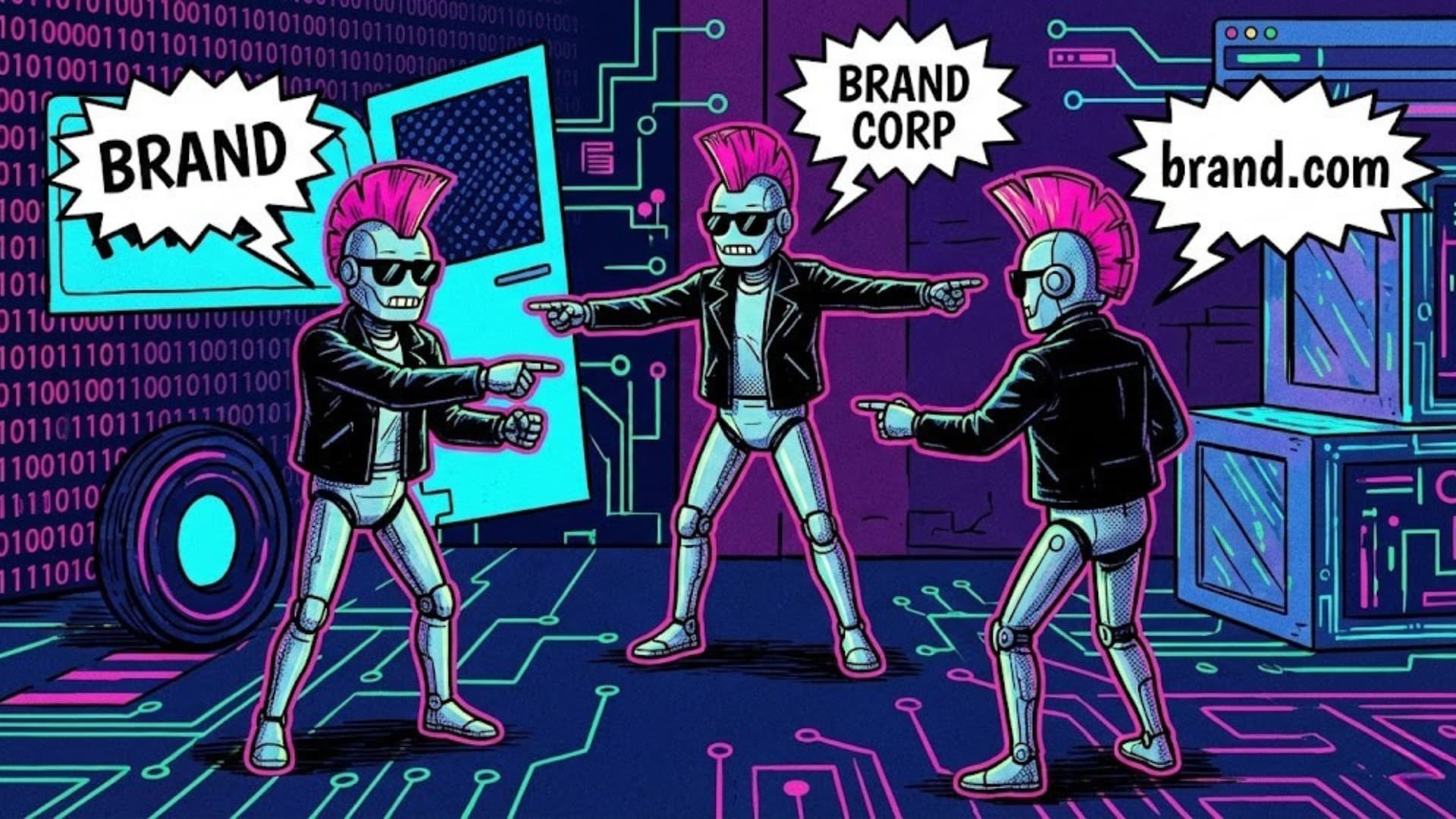
AI answers don’t always “cite” you the way classic SEO trained us to expect. Sometimes an LLM clearly mentions your brand in the text — but your domain never appears in the citation URLs. If your analytics only checks domains, you’ll see false negatives: “not cited” while you actually were.
That’s exactly why aliases exist in Geometrika.
What is an alias (in the GEO sense)?
An alias is an alternative way an AI system might refer to a brand or entity:
- Brand spellings:
EtihadvsEtihad Airways - Transliterations: Latin ↔ Cyrillic variants
- Abbreviations:
ACMEvsACME Corp - Common typos:
AirBnBvsAirbnb
Aliases are not for vanity — they are for accurate attribution.
Why aliases matter now (more than ever)
In AI Search and LLM Search, you can get visibility in three different ways:
- Classic URL citation (your domain appears in references)
- Indirect citation (a third‑party article is cited, but your brand is named inside the answer)
- Pure brand mention (no citations, but your brand is used as the “source of truth” in the text)
If you track only (1), you systematically undercount reality — especially in LLM answers.
Two kinds of aliases in Geometrika
1) Project aliases (your brand)
Use these to correctly mark “you are cited/mentioned” when the model uses your brand name instead of linking your site.
2) Competitor aliases (their brand)
Use these to correctly detect and track competitor visibility when the model talks about them by brand name, not by domain.
A real example: “Etihad is not cited” (but it is)
You run a query, an LLM produces an answer and writes something like:
“Etihad offers the most flexible baggage policy on this route…”
The cited source might be a travel blog, and the blog’s domain is in citations — not etihad.com.
If your analytics only checks domains, it reports “Etihad is not cited”. That’s incorrect for decision‑making.
With an alias like Etihad, the answer is correctly marked as cited/mentioned.
Best practices: how to create aliases that work
- Start with how people write, not how you want them to write
- Brand name, brand + suffix (Inc, LLC, Airways), common abbreviations
- Add variants in other scripts
- Transliteration pairs are especially important for multi‑language markets
- Avoid overly generic words
- Aliases like “Air” or “Group” will create noise
- Keep aliases human‑meaningful
- 2+ characters minimum; avoid single letters
Where to add aliases in the product
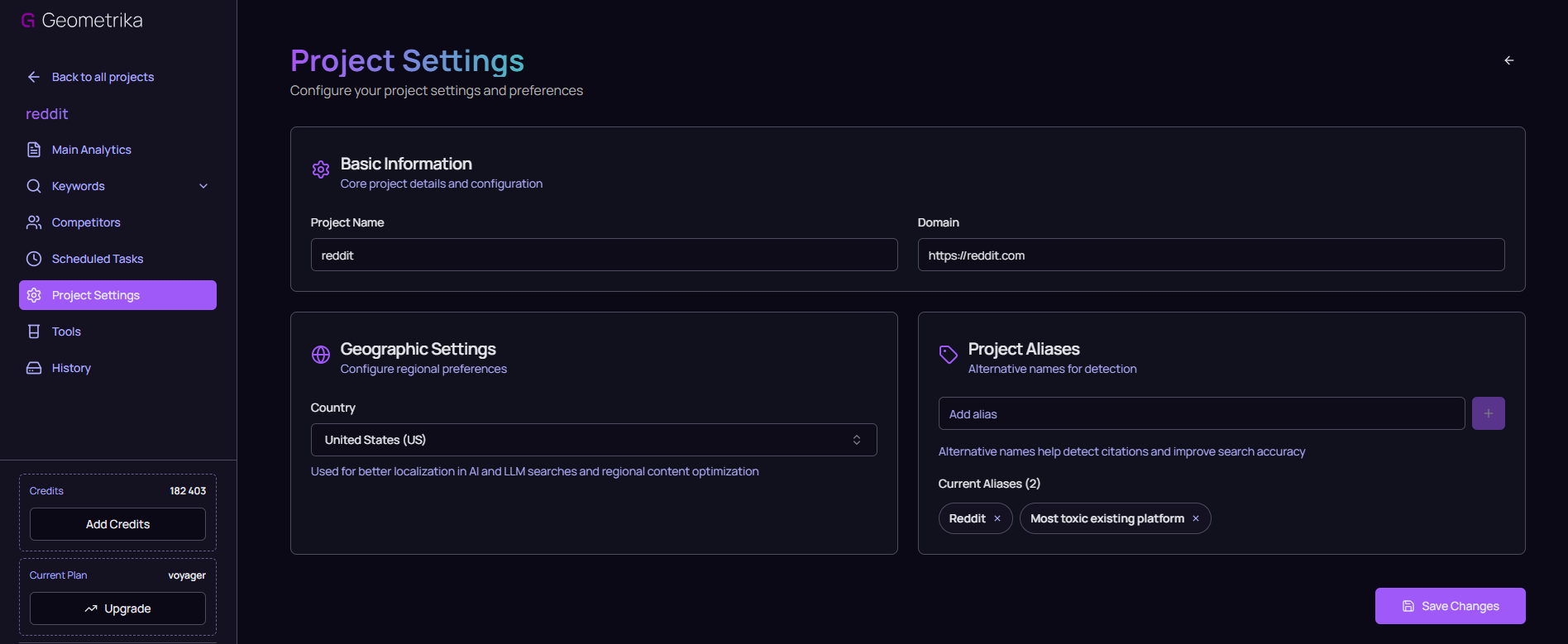
- Project aliases: Project → Settings → Aliases
- Competitor aliases: Project → Competitors → Edit competitor → Aliases
Placeholder: Project aliases in settings
What changes in your metrics
When aliases are configured, Geometrika marks citation/visibility as true if found by any of:
- your domain
- any alias (brand mention) in the answer text
This directly improves accuracy for:
- GEO Score
- Visibility Rate
- Keyword Coverage
The takeaway
If you want GEO analytics that reflects reality, you must track brand mentions, not only links. Aliases are the simplest, highest‑leverage way to do that — for your project and for your competitors.